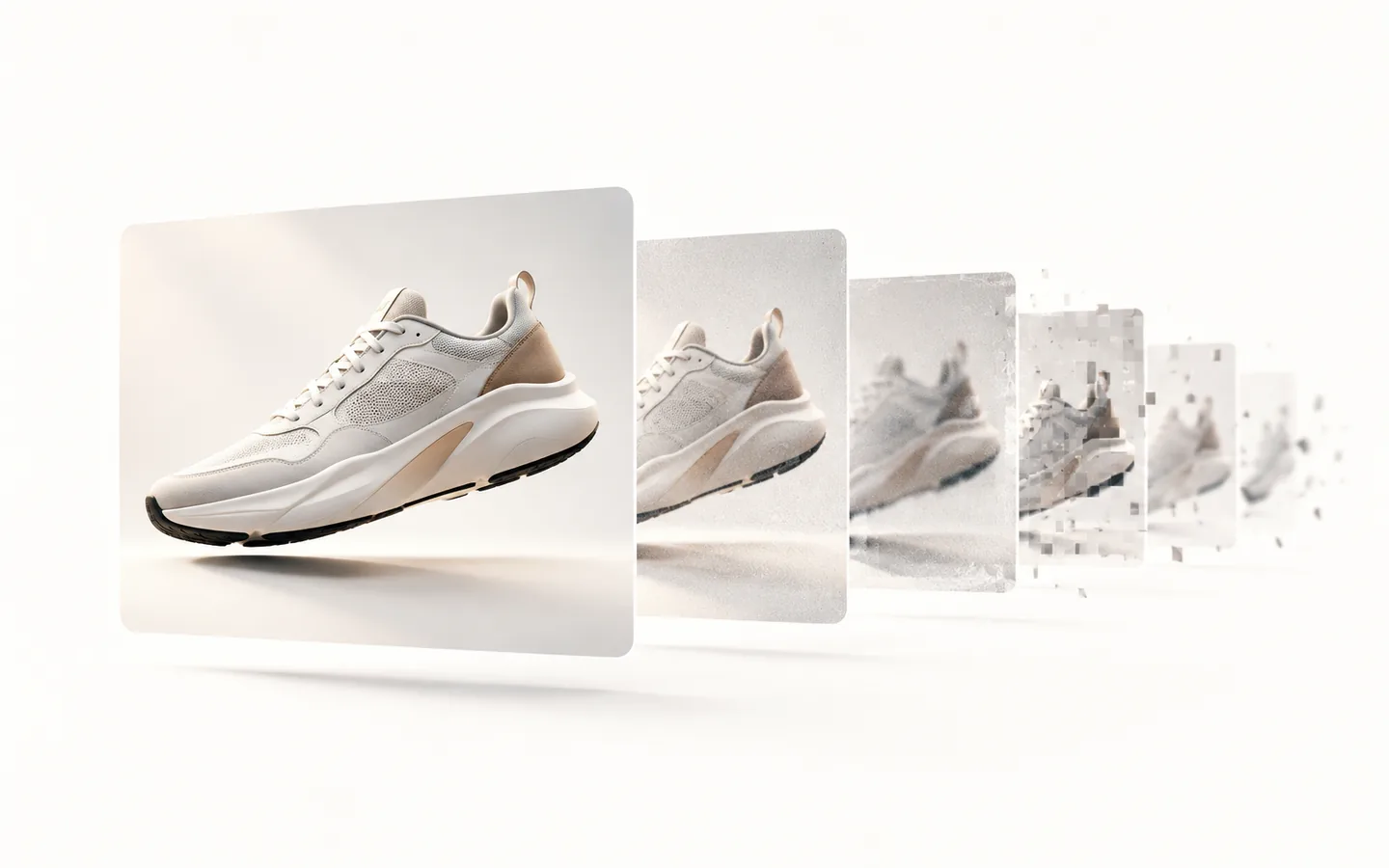
A motion design system is the documented set of principles, timing and easing tokens, motion patterns and production templates that lets a whole team produce consistent motion without redesigning it every time. It does for animation what a design system does for interface components.
That definition sounds obvious written down. In practice, almost nobody has one. What teams usually have is a folder of project files, a handful of Lottie exports, and one person who remembers how everything was built.
The problem it actually solves
Motion breaks differently from static design. A colour that drifts is visible in a screenshot. A timing curve that drifts is invisible until you put two screens side by side, and by then it has been shipping for months.
So the failure is quiet and cumulative. Each release animates the same interaction slightly differently. Each campaign rebuilds the same lower third. Each new designer invents their own easing because nothing tells them what the house easing is. None of it is a crisis on any given day, and after four quarters the product moves like four different products.
The second failure is throughput. When motion lives in one person's head, motion becomes a queue. Launches wait on a single specialist, and that specialist spends their week rebuilding things they have already built rather than doing work only they can do.
What a motion design system contains
A complete system has five layers. Skipping the first two is the most common mistake, because they produce no visible output and feel like overhead.
1. Principles
A short, opinionated statement of how your product and brand move, and why. Two paragraphs is usually enough. The test of a good principle is whether it settles an argument. 'Motion should be purposeful' settles nothing. 'Nothing moves unless it is showing the user where something came from or where it went' settles a great deal.
2. Timing and easing tokens
A named scale for duration and easing, mapped to intent rather than to feel. Something like fast at 120ms for state feedback, base at 240ms for most transitions, and slow at 400ms for entrances that carry meaning. Once these are named, they can be referenced in Figma, in After Effects and in code, which is what makes the system real rather than aspirational.
3. Patterns
The recurring behaviours, documented once each: entrances and exits, state changes, loading and progress, emphasis, navigation transitions, data reveal, narrative beats for marketing work. Each pattern gets one canonical treatment. The value is in there being exactly one.
4. Production templates
Editable files where the variable parts are separated from the fixed parts and clearly labelled. This is where the time saving actually shows up. Producing an asset stops being animation and becomes assembly.
5. Handoff specification
Implementation notes engineering can build from: durations, curves, trigger conditions, and the reduced-motion behaviour. If your system does not specify what happens when a user has reduced motion enabled, the system is incomplete and probably inaccessible.
How to tell if you need one
You do not need a motion design system because motion systems are fashionable. You need one when specific symptoms show up:
- Two screens in the same product animate the same interaction differently.
- Motion work is blocking releases because it queues behind one person.
- Your design system documents colour, type and spacing but says nothing about time.
- Campaign assets are rebuilt from scratch for each region, ratio or quarter.
- Engineers are choosing easing curves themselves because nothing is specified.
- You cannot describe your brand's motion without opening a video and pointing.
One of these is normal. Three is a system problem, and it will get worse at exactly the rate you grow.
What it costs, roughly
A focused system for a single product surface is typically four to six weeks of work. A full system covering product motion, brand motion and campaign templates usually runs eight to twelve weeks. The variable is almost never the animation. It is how much existing work needs auditing and how many teams need to agree.
The payback is not in the first month. It shows up the third time someone needs the thing you templated, and then it keeps showing up.
The part people get wrong
A motion design system is not a style guide with some GIFs in it. A style guide describes. A system produces. If your team cannot open something and make an asset with it, you have documentation, not infrastructure.
The deliverable is not the animation. It is the capability to keep making them.
The other common mistake is building the system in isolation, then discovering it does not survive contact with the actual next project. Pressure test every template against real upcoming work before you call it done. Ideal cases are not what breaks systems.
Where to start
- Inventory the motion you already ship, across product, marketing and social. Most of your system is already in your work, undocumented.
- Circle everything that appears more than twice. That is your pattern list.
- Name your timing scale. Three to five values. Do it before anything else, because everything references it.
- Template your single highest-volume asset type and measure how long the next one takes.
- Write down the decisions as you make them. The documentation is the system, not a report about it.
Step four is the one to do this week. It is small, it produces a number, and that number is usually the argument you need for the rest.